What’s New in Jublia AI: November 2026 Releases

Improvements across the event platform designed to enhance attendees' experience when engaging with the event digitally
November 12, 2026
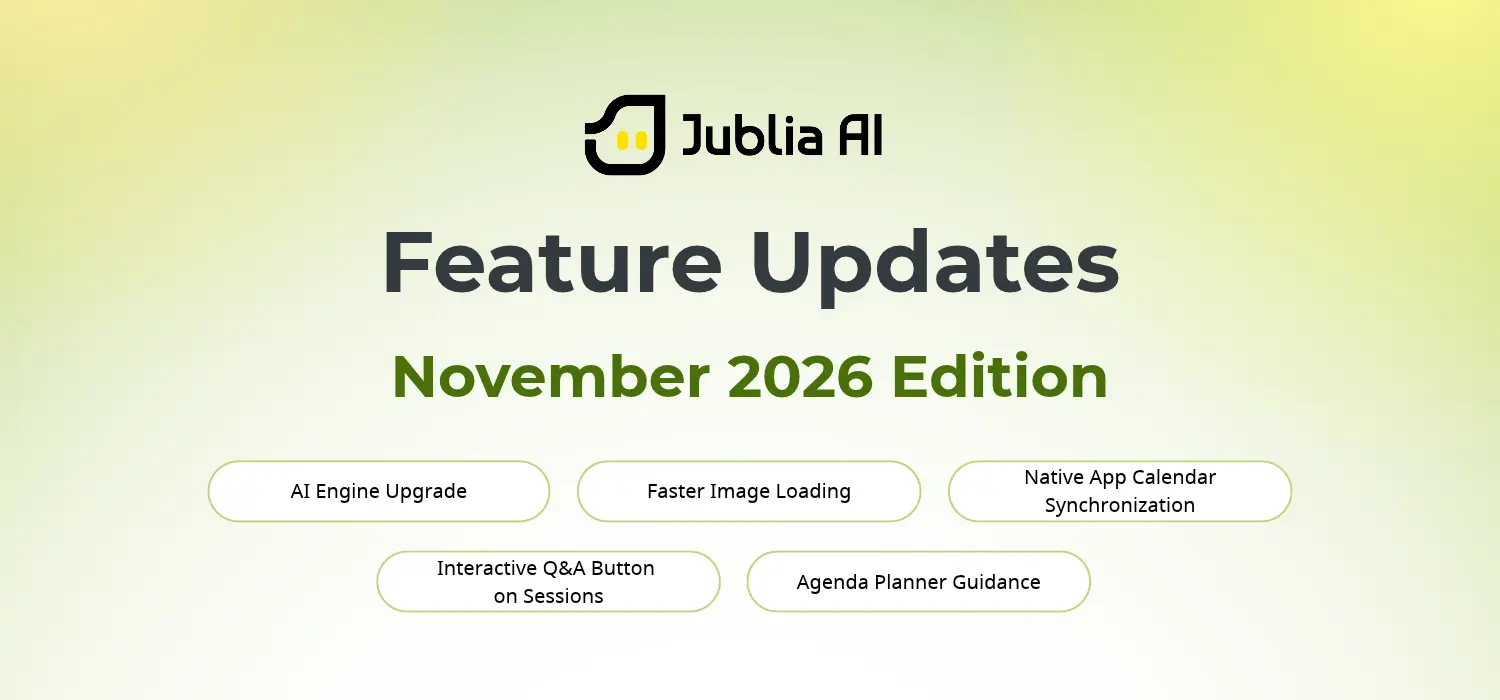
A banner breaking down five November 2026 updates from Jublia AI

Digital touchpoints are key to event engagement. They’re how attendees learn about an event, plan their on-site activities, navigate the event floor, and interact with sessions. 

When the event platform provides an ideal user experience, attendees have a better experience at your event. This is what our latest updates are designed to achieve: improve digital interactions so attendees can focus on experiencing the event in person. 
1. AI Engine Upgrade for More Informative Answers

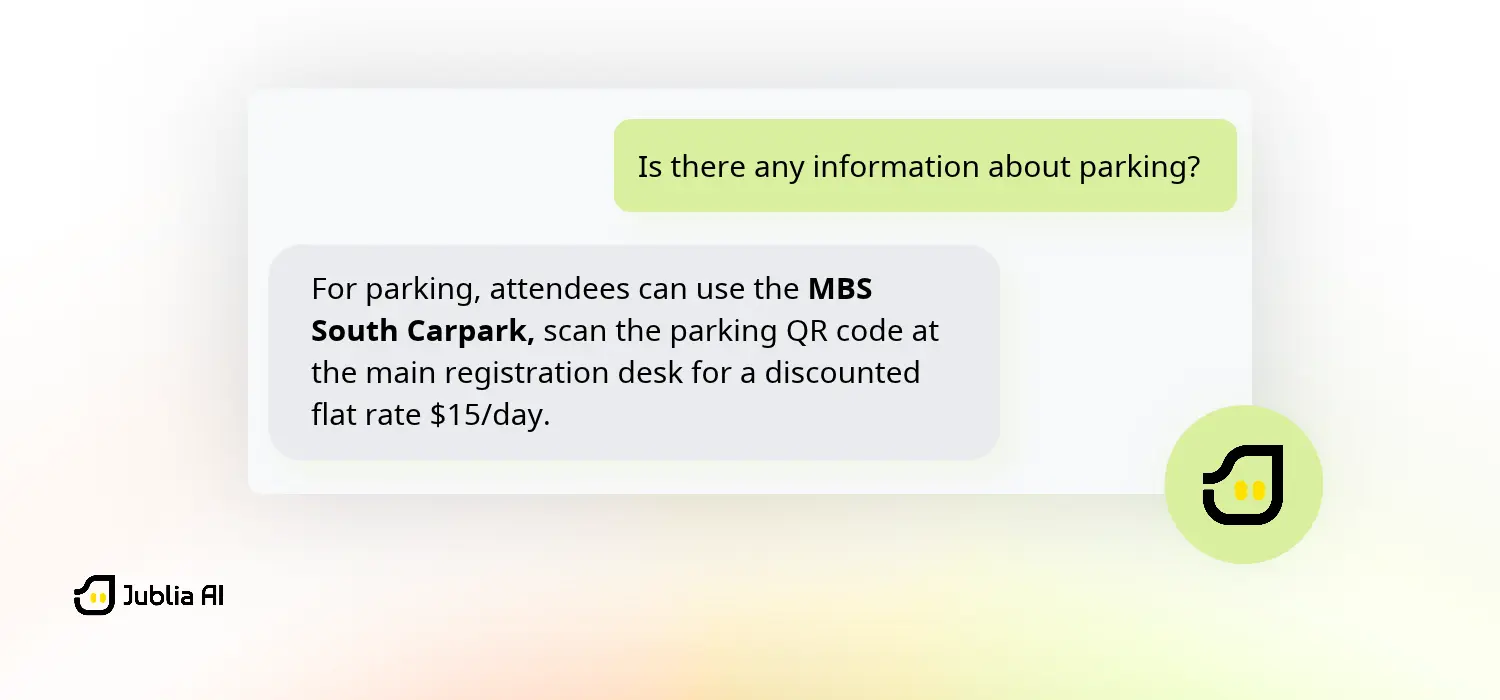
An illustration of how Jublia AI concierge gives a more information answer

What’s New

Jublia AI concierge’s core engine is upgraded to retrieve event data from multiple sources with a single prompt, answering complex questions faster and more completely. 

Key updates include:

  • Multi-source retrieval: Jublia AI can answer questions with more complete information from Sense FAQ, agendas, and event descriptions.
  • Single-pipeline processing: The answer-generation process merges into a single interaction, allowing users to chat with the AI more responsively. 
  • Fast-exit response: Return instantly if no answer is found in any of the sources, eliminating unnecessary wait time when chatting.

Benefits

Attendees can gain more accurate event-related information from the AI concierge, even with complex questions, so they can plan their participation with minimal back-and-forth inquiries.
2. Faster Image Loading For A More Responsive Browsing Experience

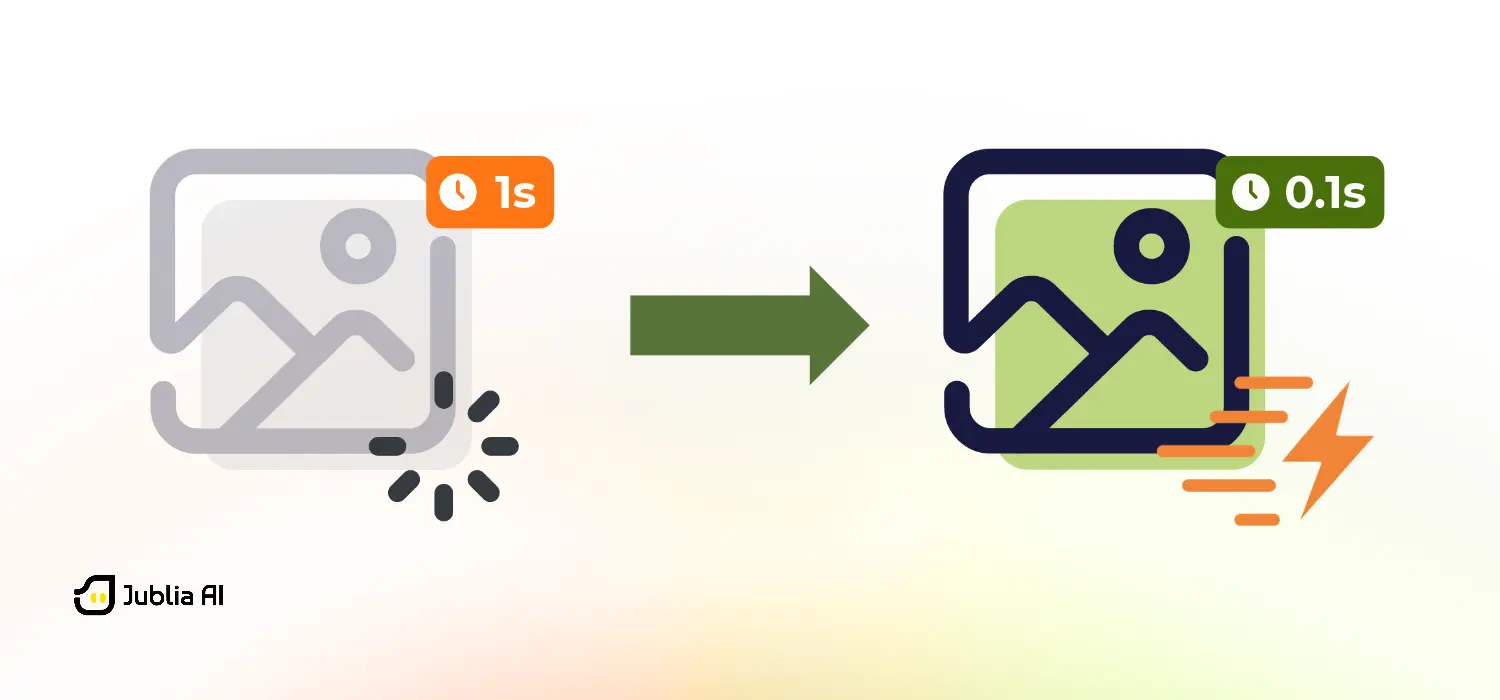
An illustration of faster image loading

What’s New

Visual assets across the Jublia AI Engagement Hub are now automatically optimized to be up to 85% smaller and 90% faster to load without compromising quality.

Key updates include:

  • Multi-format support: Visual optimization supports all types of images, including dynamic images like GIFs. 
  • Implementation across digital touchpoints: Applies to assets uploaded to Sense, Web App, Native App, and both apps’ chat interface, ensuring images across all touchpoints remain responsive.
  • Auto-convert images to WEBP. All images uploaded to event platforms will be automatically converted to a smaller, more responsive format without additional steps.

Benefits

This significantly reduces wait time when browsing, discovering sessions, and exploring sponsors, giving attendees instant visual clarity to plan their event journey.   
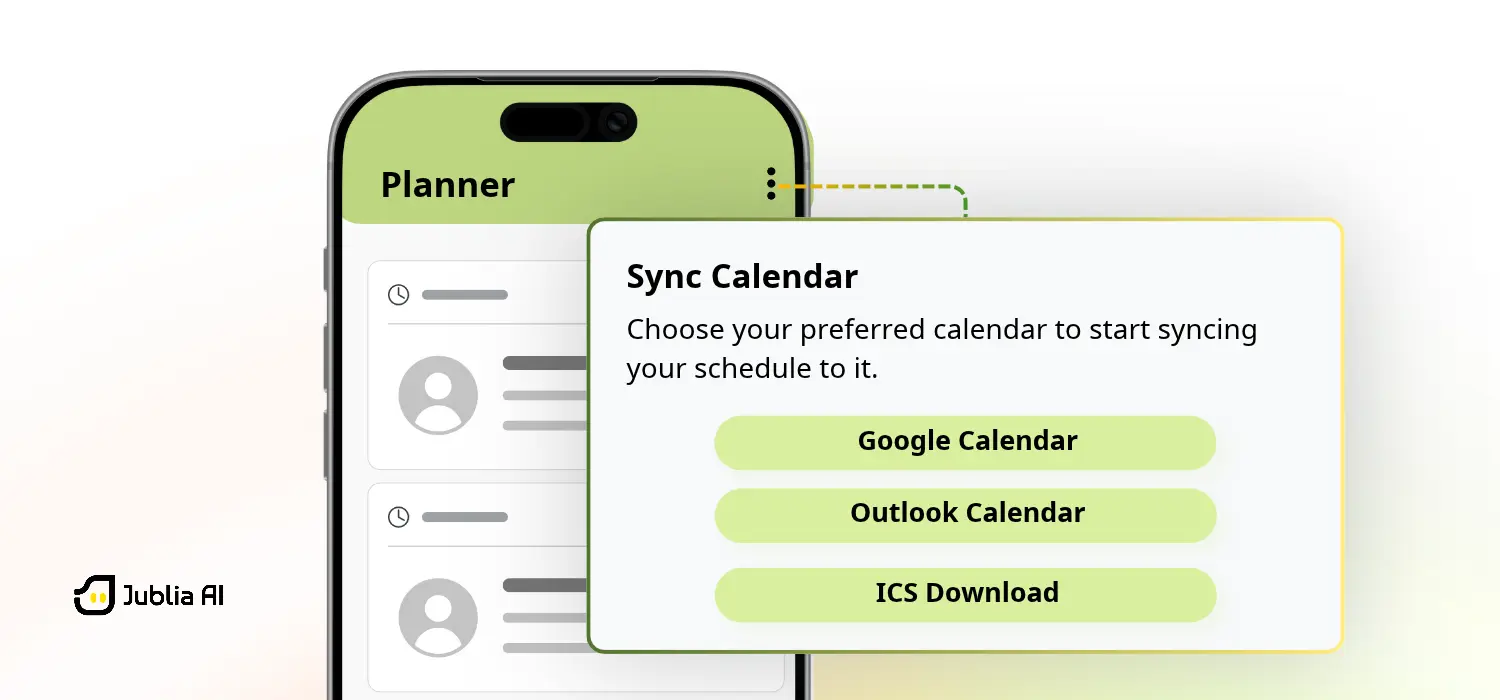
3. Calendar Synchronization on Native App

The UI and location of the Sync Calendar menu on the Native App

What’s New

The Web App’s calendar synchronization is now available on the Native App. Users can import schedules from the event app’s personal planner to third-party calendar apps, like Outlook and Google Calendar.

Key updates include:

  • One-time synchronization. Users only need to sync their calendar once from one of the apps, and it will be automatically updated on the other. 
  • Native App and Web App schedule updates. Updating schedules on either the Native App or Web App will automatically reflect on the calendar, regardless of where it was synced. 

Benefits

Attendees can keep their event schedules up to date across the Native App, Web App, and third-party calendar apps without having to synchronize them repeatedly, which is especially convenient on-site where they need a mobile-friendly experience. 
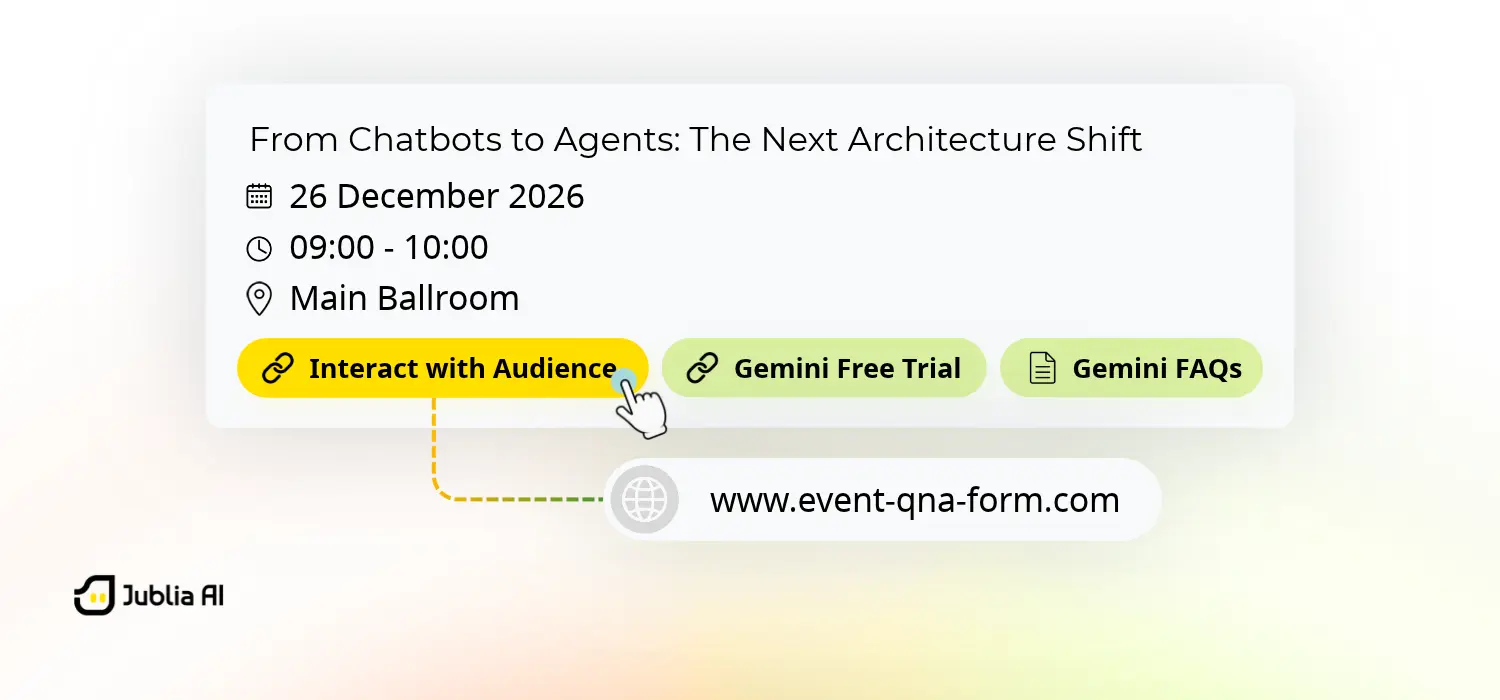
4. Interactive Q&A Button on Agenda Sessions

The new Interact with Audience button on agenda sessions

What’s New

We improved agenda sessions by adding the “Interact with Audience” button linked to your Slido slides or Pigeonhole QnA forms, making it easier to spot where to click to interact during the sessions. 

Key updates include:

  • The Interact button embedded into the session. The interaction button sticks and fits naturally into the existing session layout, allowing attendees to quickly identify where to click to participate.   
  • Custom URL support. Organizers can easily feature QnA forms or slides using links, which automatically open in a new tab for attendees.

Benefit

Attendees are more encouraged to engage when attending a session since they can immediately spot where to click and preserve their current app view — with the forms opening in a new tab.
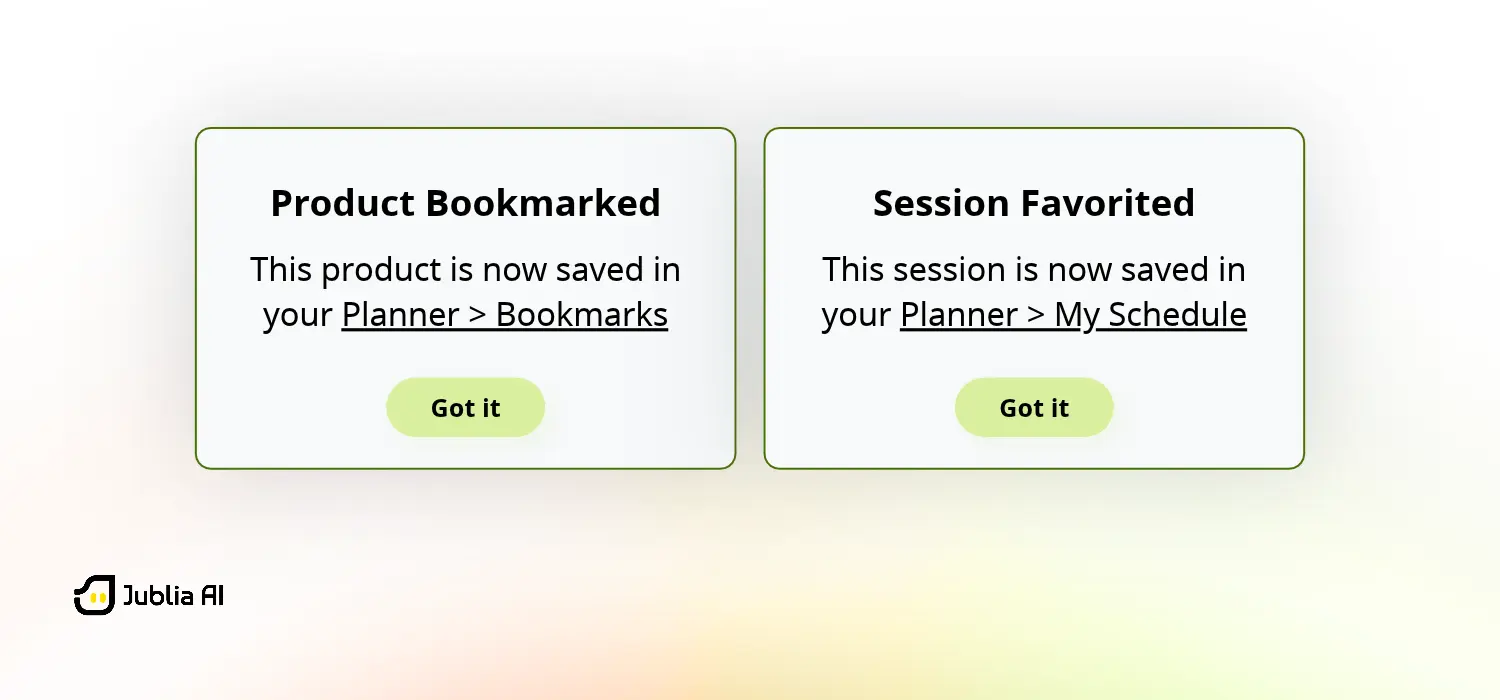
5. Planner Guidance for Tracking Saved Entities 

Planner guidance pop-up examples showing content has been saved

What’s New

When attendees save entities and content at events for the first time, a tooltip will appear confirming it has been saved in the Planner menu and guide them on how to get there.  

Key updates include:

  • Clickable shortcut to the saved location. The pop-up includes a shortcut that takes users directly to the location where the content is saved. 
  • Tooltip for all types of entities. The guidance shows up for all entities in the Planner menu, which are sessions, speakers, companies, people, and products. 

Benefits

Improves confidence when adding content to their personal schedule because attendees are assured that saved content is integrated into the Planner and know where to check it, equipping them with a clear roadmap for their event engagement. 

Curious how this works at your event?

From improving how AI answers to guiding attendees when planning their schedule, the November updates are designed to improve the user experience when using our platform. When digital interaction becomes effortless, attendees can focus on engaging on-site to create event value.  

Want to see how these updates can benefit your event? Talk to our team to explore them in more detail. 

Frequently Asked Questions
How can organizers accurately track and measure event networking success?
Organizers must move beyond basic scheduling to tracking whether connections actually occurred. Utilizing verified meeting fulfillment analytics based on live check-ins and visual graphs to pinpoint bottlenecks allows organizers to prove concrete networking ROI.
How can artificial intelligence automate time-consuming event planning tasks?
An intelligent engine of an event tech acts as a productivity assistant, automatically generating concise session summaries based on attendees’ agendas. Furthermore, it performs deep sentiment analysis on post-event feedback, instantly categorizing responses into actionable insights without manual data processing.
What is the most effective way to drive early attendee action and reduce no-shows?
Organizers should deploy behavior-based email campaigns. By tracking dynamic behavioral trends, organizers can trigger automated, highly targeted nudges — like meeting introductions or personalized schedule reminders — ensuring communications are timely, relevant, and highly actionable.
Written By :
Aris Sentika
You Might Also Like
See More
Enhancing Connection and Engagement at DIA China Annual Meeting 2026

A case study on how DIA China and Jublia AI delivered a connected, localized, and secure event experience.
What’s new in Jublia AI: March 2026 Releases

Smarter Support, Faster Access, and Improved Data Visibility

Jublia AI Experiences at Singapore Airshow 2026: The 10th Edition

Supporting navigation, discovery, and high-volume meeting coordination at a large international B2B exhibition

Activate your smart events today.

Let’s discuss how Jublia technologies can match your needs and budget.