
Advancing Event Execution: Smarter Printing, Controlled Access, Automated Insights
Feature Updates February 2026 Edition
February 24, 2026
Behind every successful event is a platform that runs smoothly. From printing schedules to managing access and tracking performance metrics, operational workflows must be reliable and efficient. This update introduces three targeted enhancements designed to reduce manual effort and improve control at key moments in your event lifecycle.
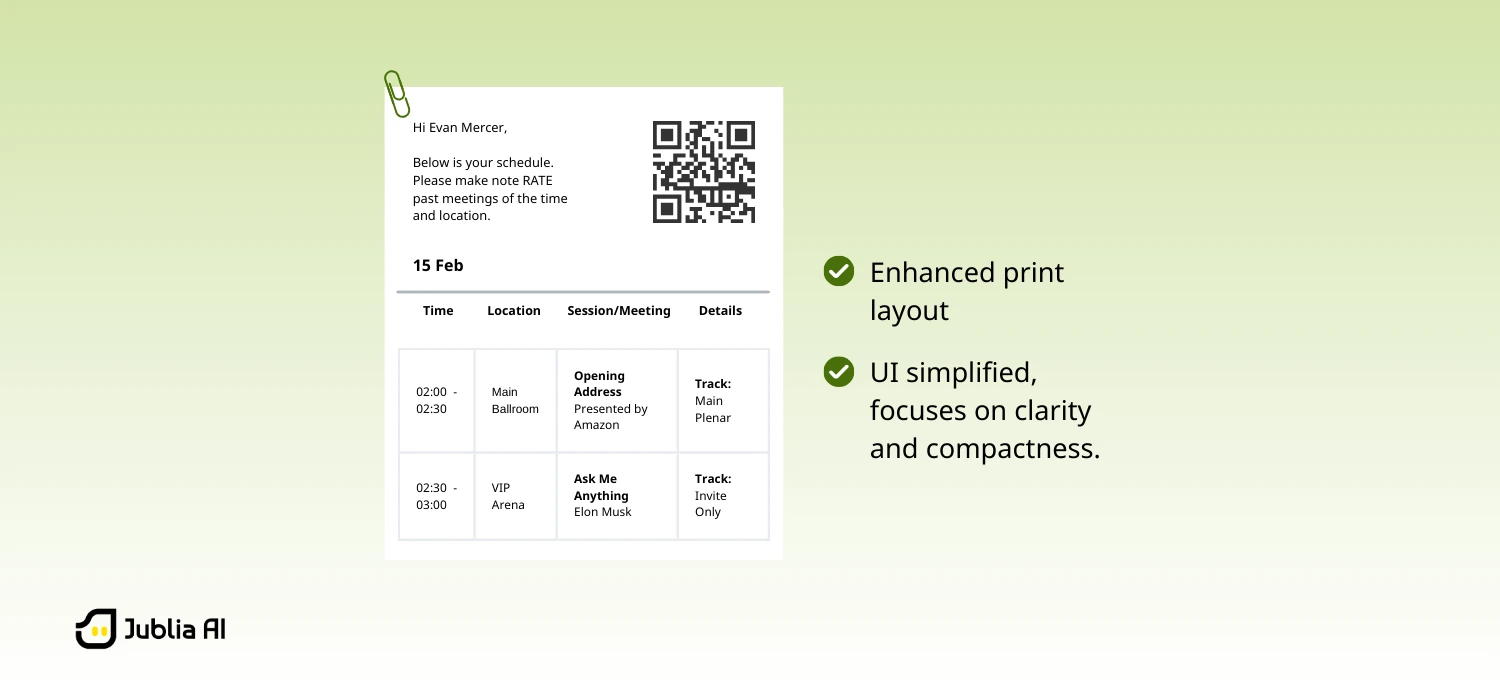
The schedule layout is now structured for clarity and compactness when printed. The enhanced print UI focuses only on essential information:
Non-essential visual elements such as profile pictures and large design components have been removed from the print layout to ensure a cleaner output.
For event teams managing hundreds or thousands of attendees, inefficient printing scales quickly into operational friction.
This enhancement directly addresses:
By delivering a structured, condensed format, printed schedules become practical working documents — not bulky handouts.
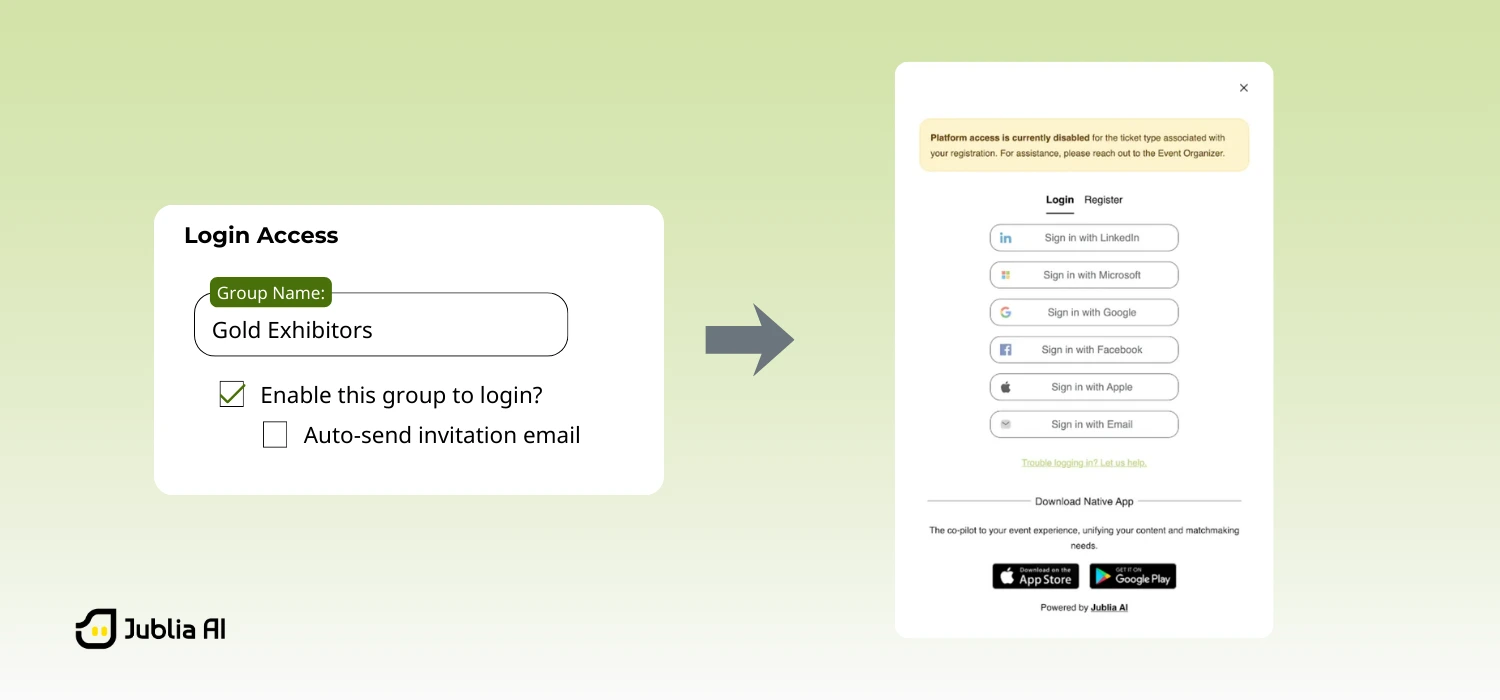
A new “Enable to log in” configuration is now available in the Group Settings page (under Attribute in Sense).
When disabled:
Importantly, organizers still retain operational control. Even while access is disabled, teams can:
During critical backend operations such as autonomous processing and large-scale data updates, active user sessions can create data inconsistencies or conflicts.
This feature provides a controlled and repeatable way to temporarily halt user activity — reducing risk while maintaining system integrity.
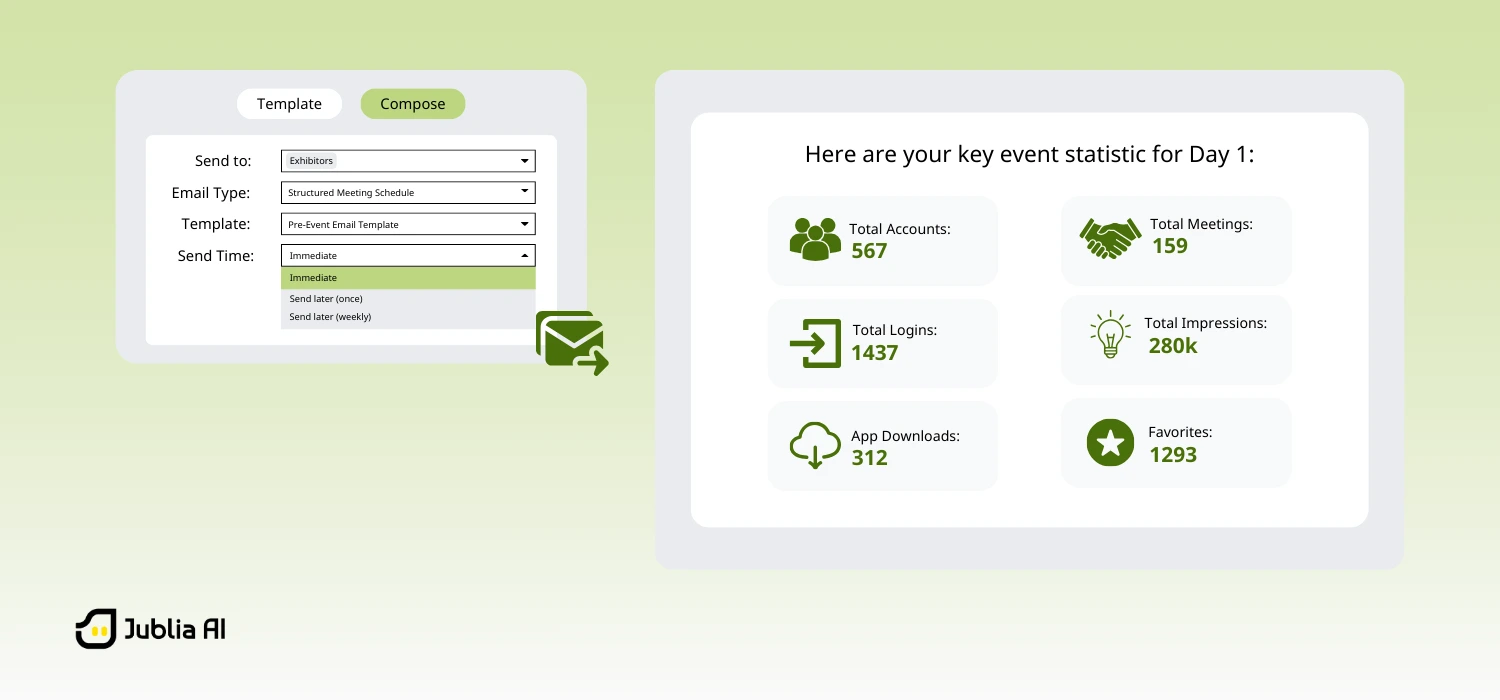
Once the platform is launched (via the first email invitation), statistic emails are automatically scheduled according to the event lifecycle: Pre-event, during event, and post event.
All schedules are aligned with the event’s configured time zone. Emails are automatically sent to recipients listed under Sense General Settings access.
Each summary provides key event performance metrics, including:
This ensures organizers can continuously monitor engagement and business outcomes across all phases of the event.
This automation eliminates repetitive manual setup and guarantees timely, consistent reporting.
Similar to how a fitness app delivers weekly progress updates, organizers now receive structured performance insights automatically — without needing to trigger reports themselves.
The result:
Everything you’ve read is already live and ready to support smarter, more seamless workflows. Whether you want a quick walkthrough or a deeper conversation about your setup, let’s take a look together.
Book a demo and see for yourself.


 Why Relevant Matches Get Overlooked When Recommendations Become Too Narrow
Recommendations help curate options at events, but what happens when they get too narrow and repetitive
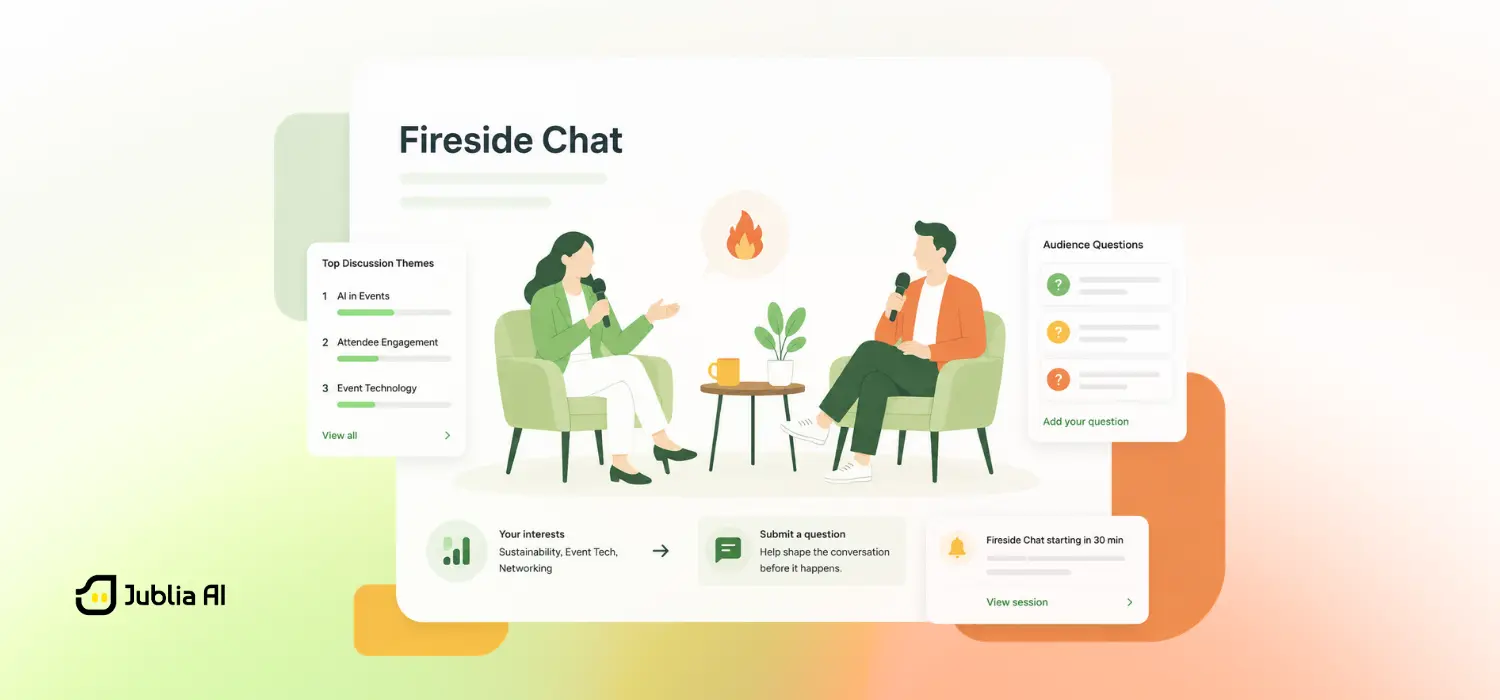 How to Drive Engagement at Business Events with Fireside Chats
A great fireside chat isn't just interactive, it responds to attendees’ burning questions about what matters most to them
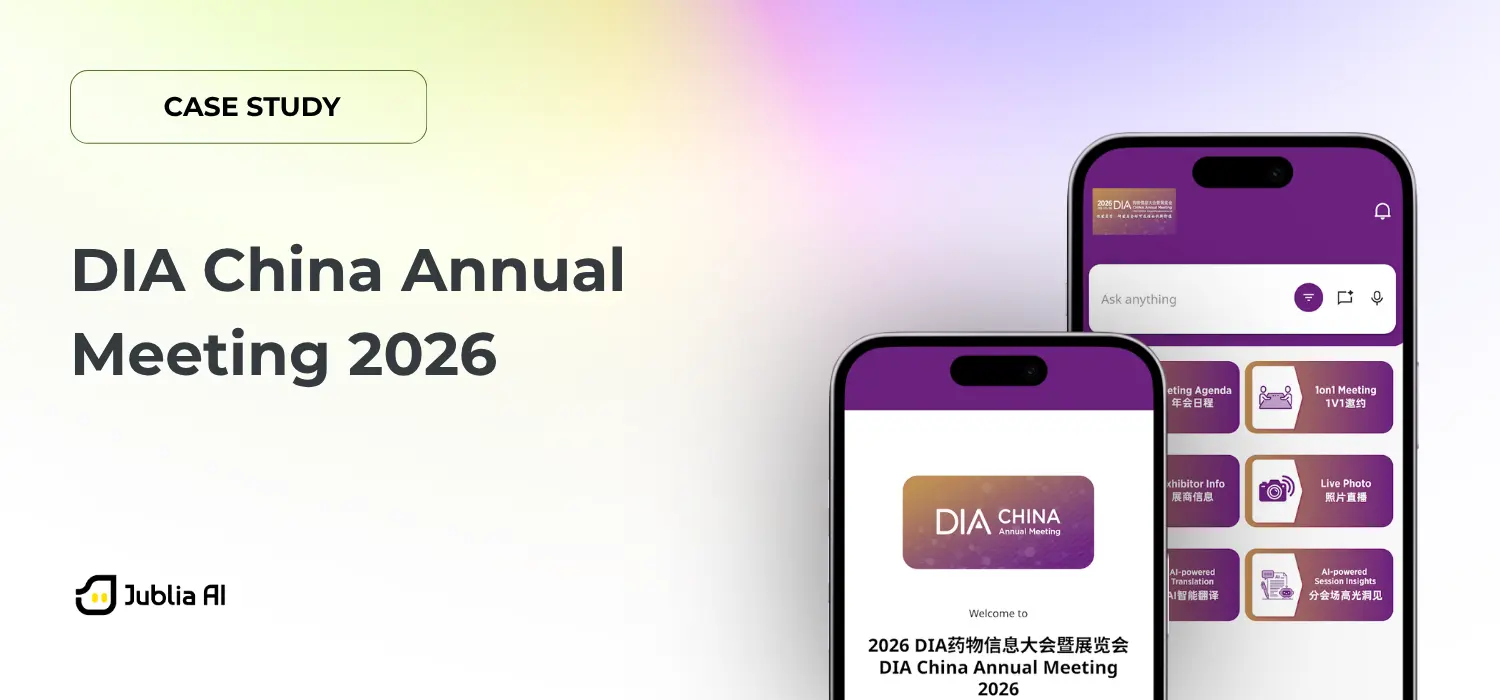 Enhancing Connection and Engagement at DIA China Annual Meeting 2026
A case study on how DIA China and Jublia AI delivered a connected, localized, and secure event experience.


.gif)
%201.png)
%201.png)
%201.png)
--p-2000.webp)
%20Black-Black%20Eyes.gif)


.png)